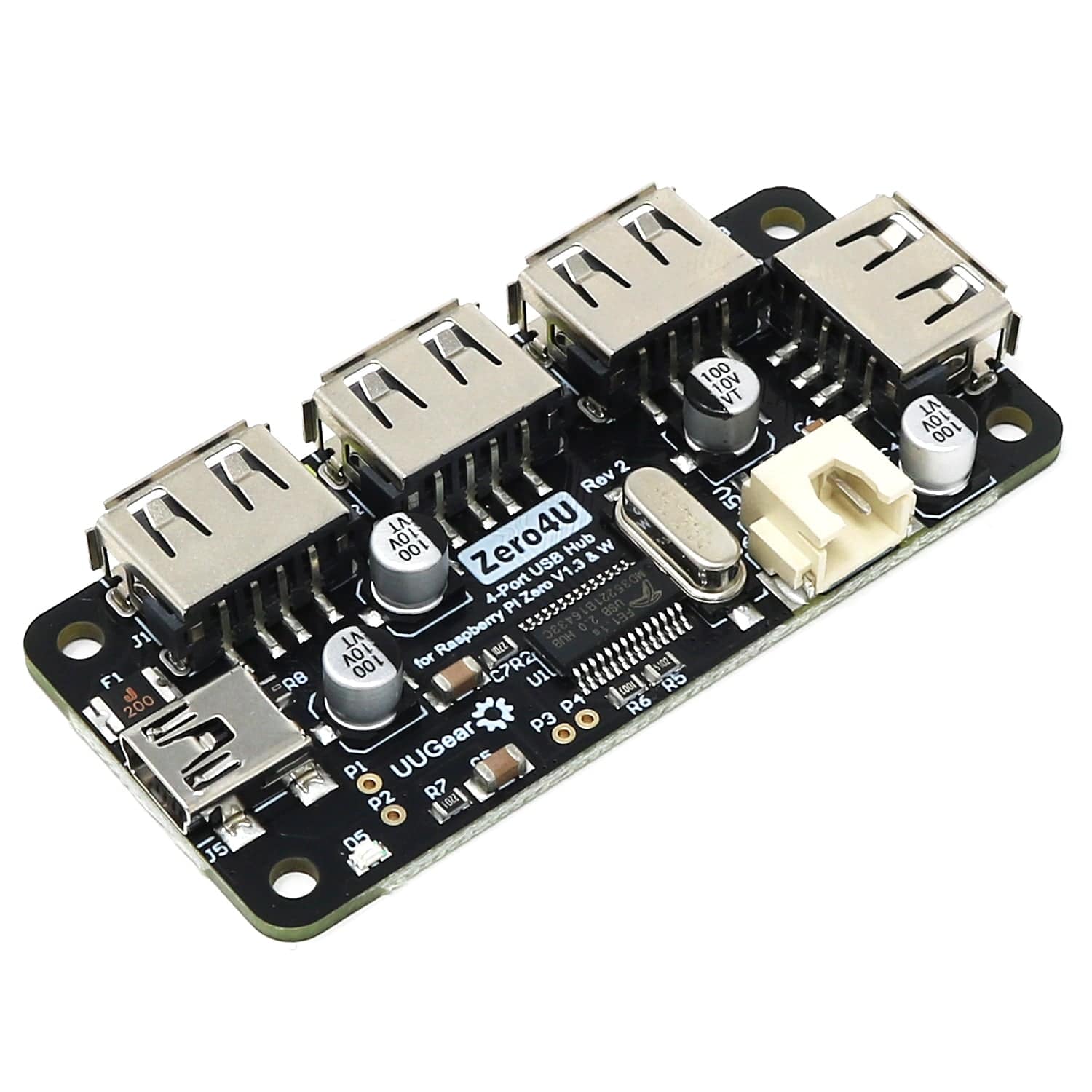
Zero4U 4-Port USB Hub (Without Pogo Pins)
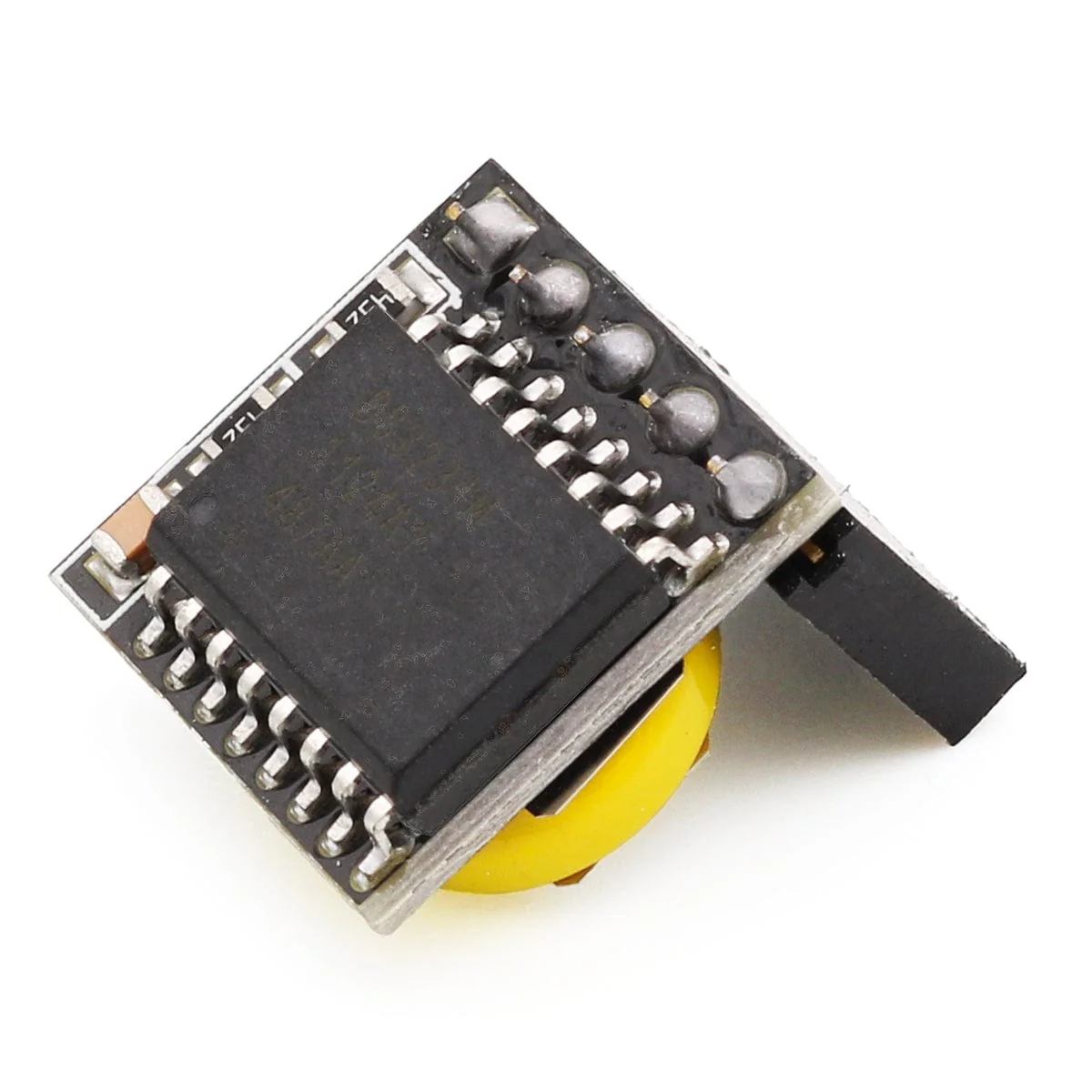
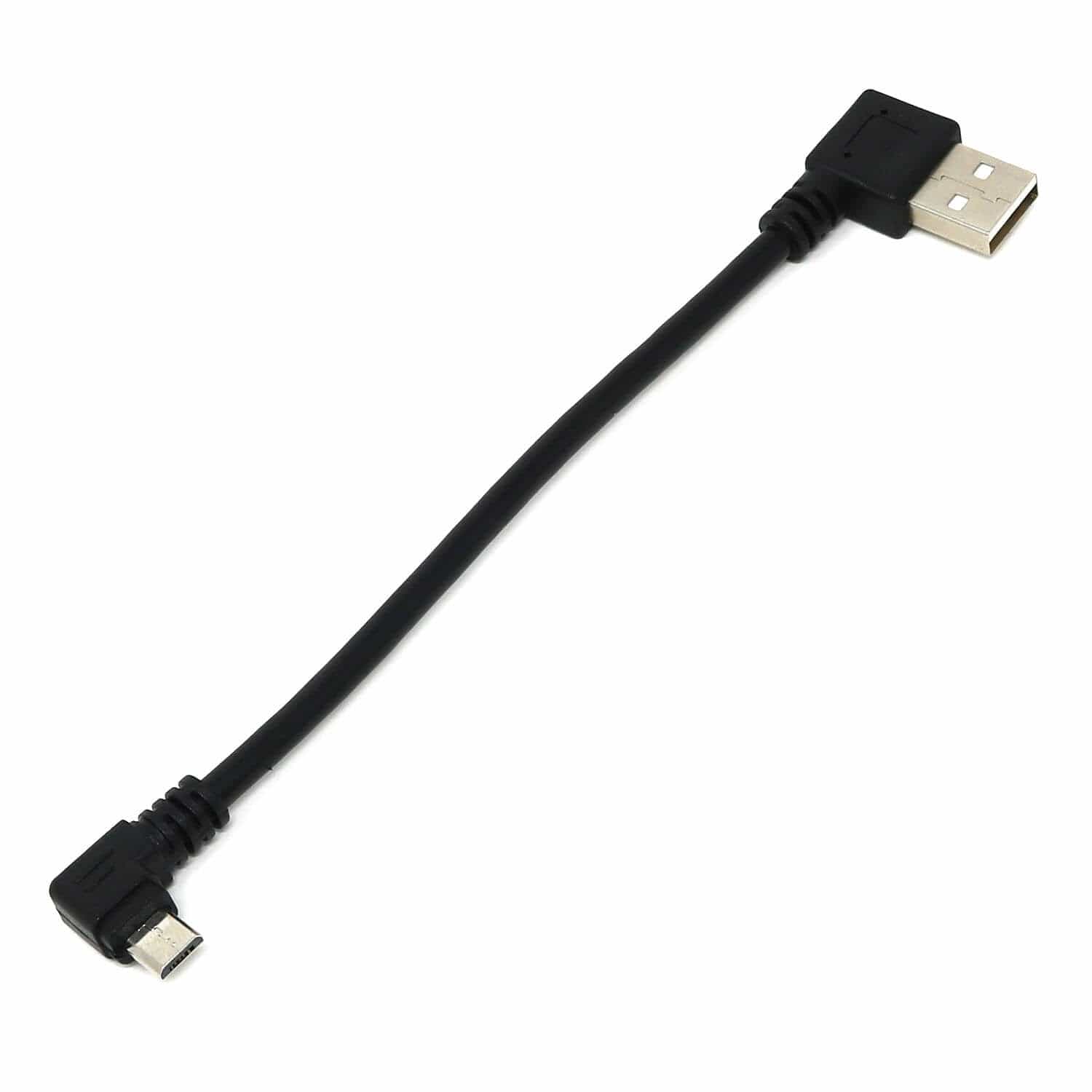
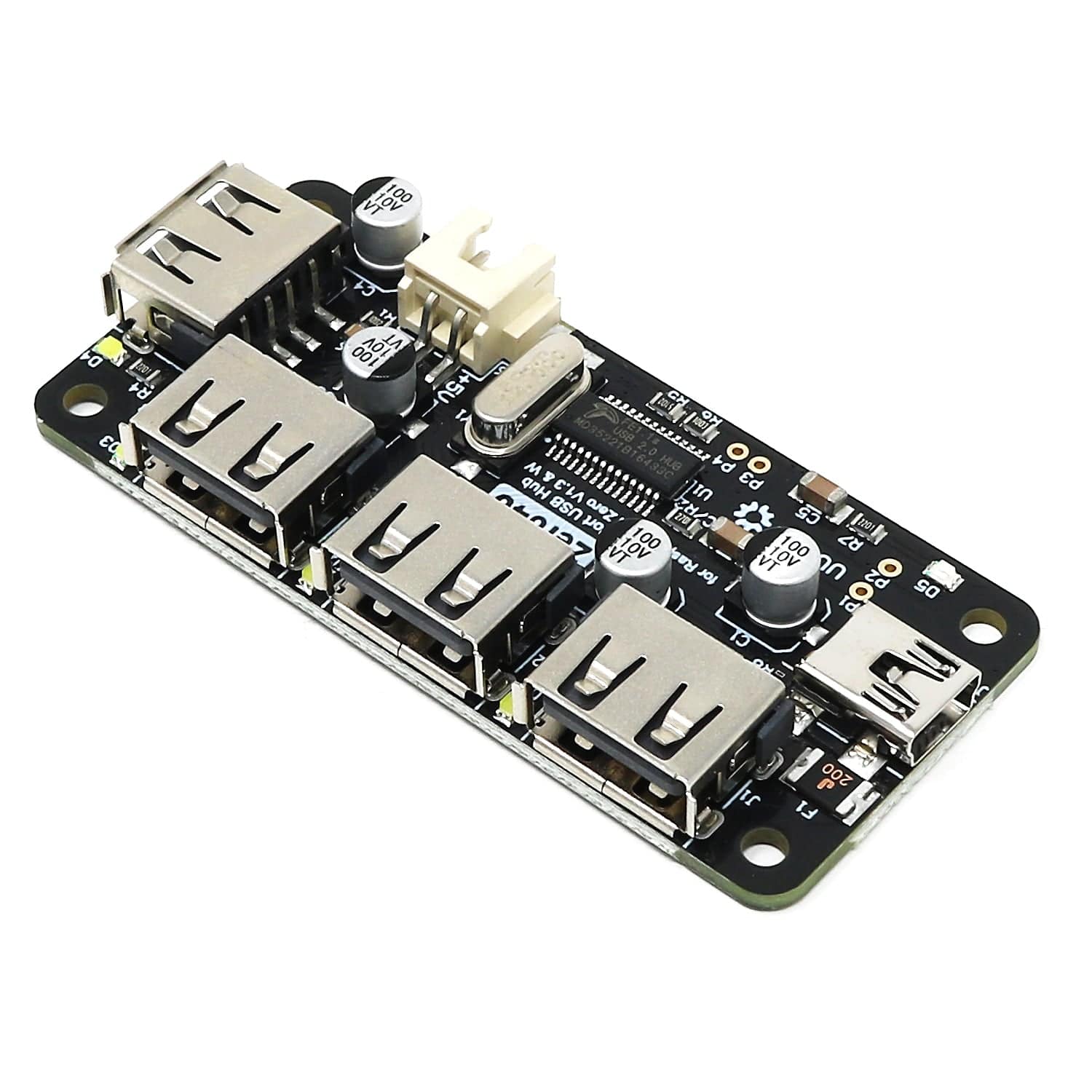
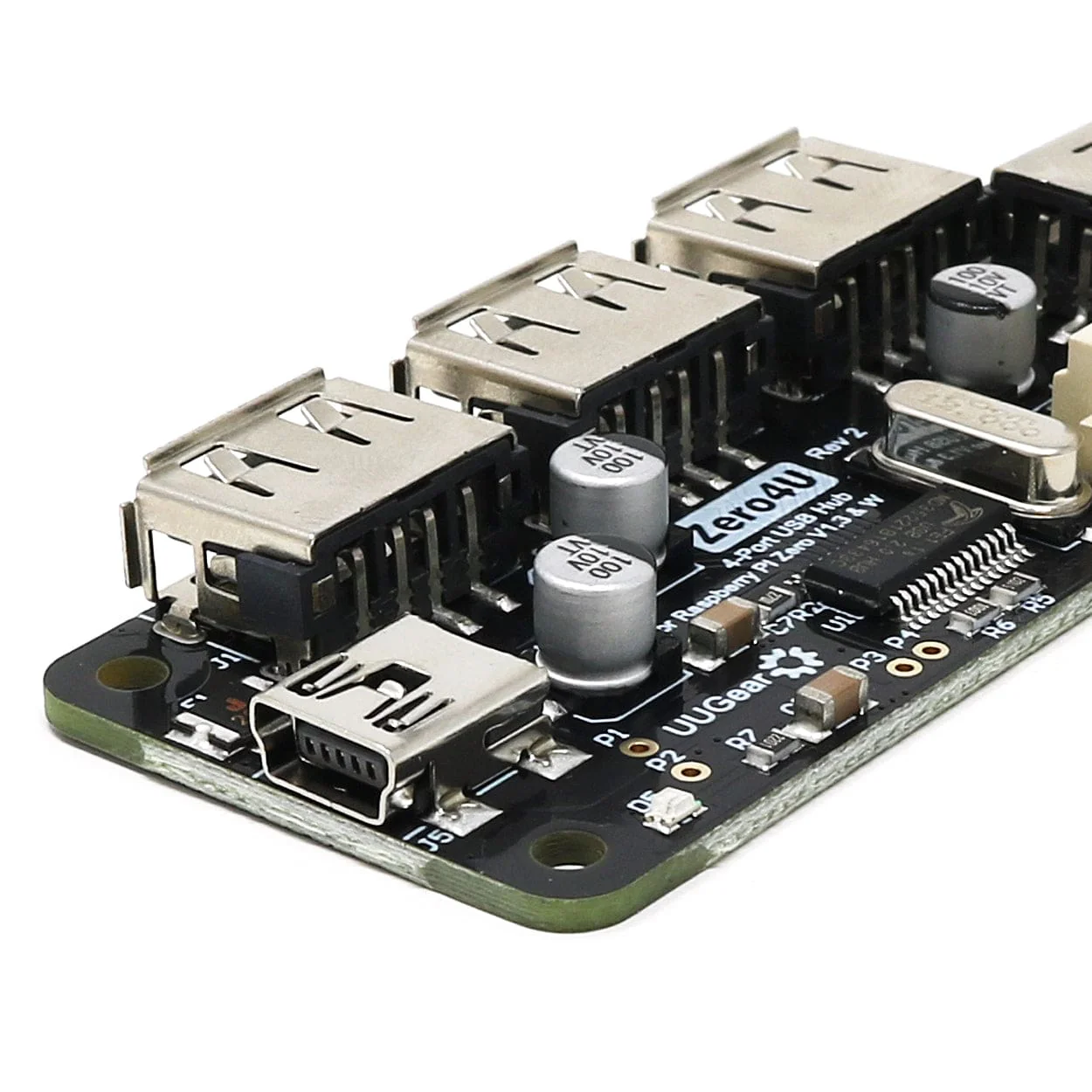
This is a version of the UUGear Zero4U without the pogo pins. This makes it an awesome 4-port USB hub option for any Raspberry Pi - just connect it via a Mini-USB cable (cable not included) to your Raspberry Pi 5, 4, 3, a Windows PC or anything else than can accept and use a USB hub!
We like it because it's all guts and not showy like a 'proper' (boring) retail USB hub - leaving you to make your own case for it with Perspex, 3D printing or whatever else you can come up with.
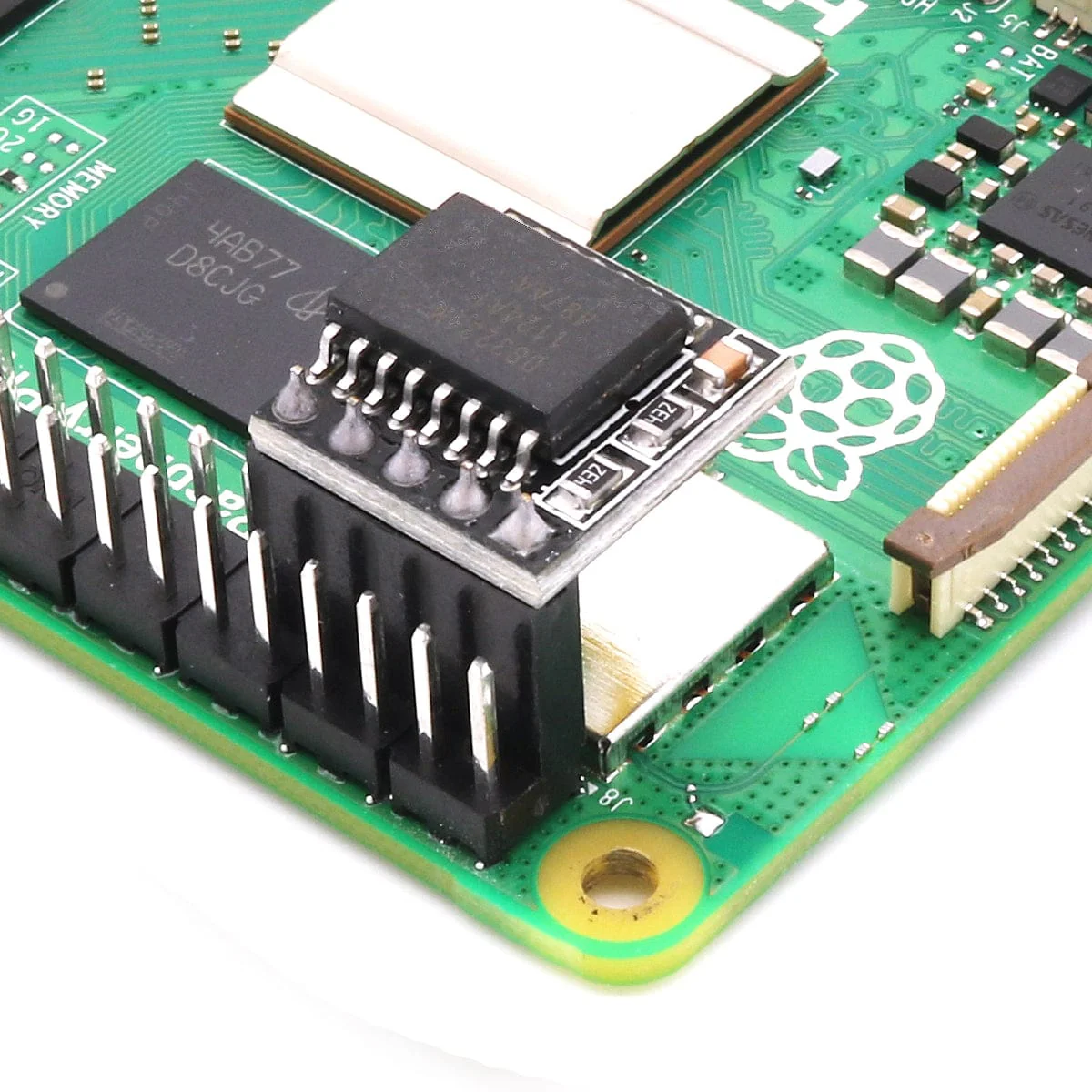
If you want to get really hacky, you can even solder wires between this board and a Raspberry Pi Zero (1.2 ,1.3 or W). Place this board aside the Raspberry Pi Zero and connect them by soldering wires, and this will give you a very slim device (about 62mm x 65mm x 9.5mm) - see the product images for an example!
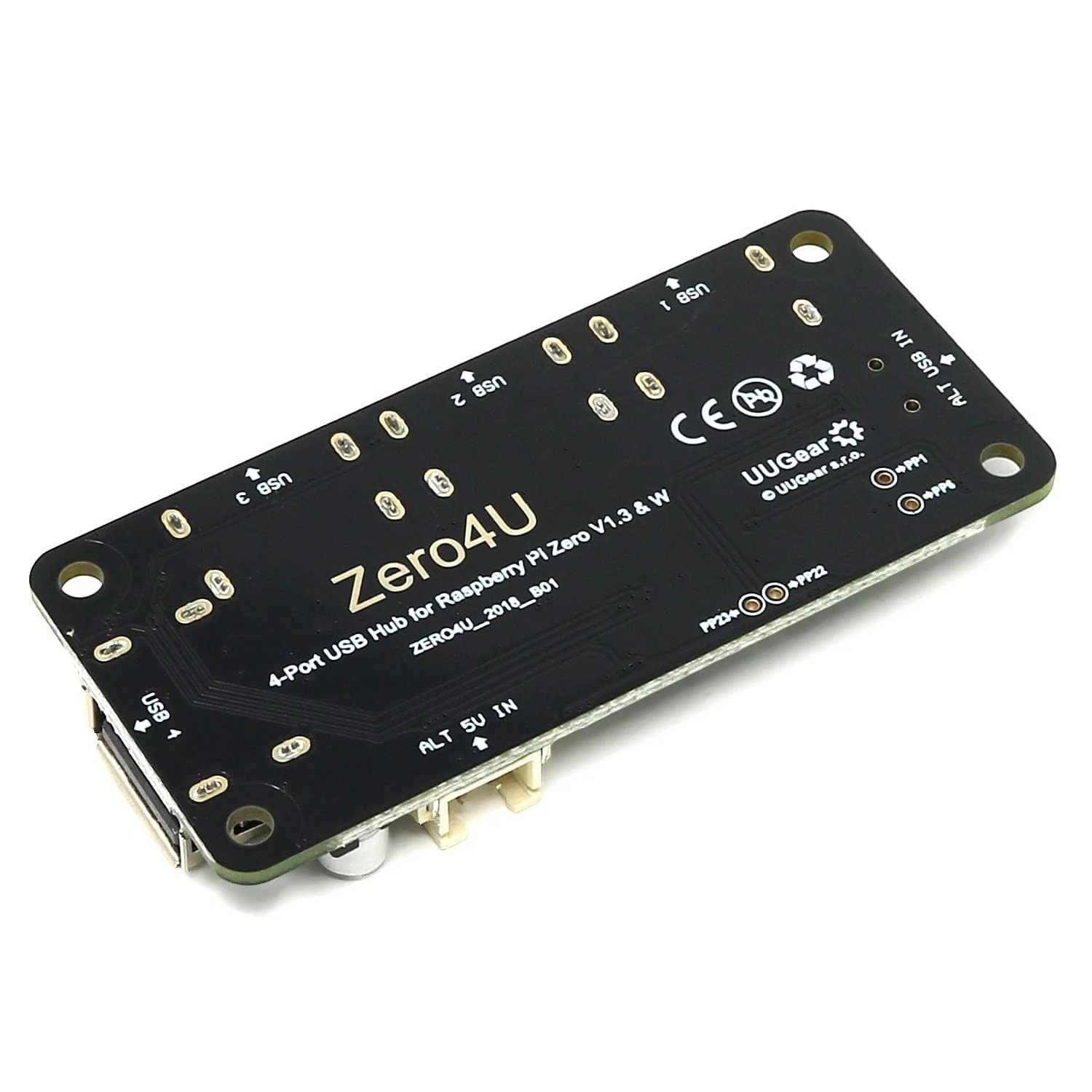
You can power the entire device via the XH2.54 port (white) in the middle, or you can solder the wires on the back (the “+” and “-” pins for ALT_5V_IN). You can also power the device via the +5V and GND pins in GPIO header.
Note: if you ever enabled Ethernet Gadget on your Raspberry Pi Zero, you will need to disable it to use Zero4U. You can either comment out the “dtoverlay=dwc2” in /boot/config.txt, or plug an OTG adapter to the data micro USB port on Raspberry Pi Zero.
We also stock a version with Pogo pins on the underside, for mounting on to your Pi Zero!
Board only - Raspberry Pi, USB cable, standoffs and any other accessories not included
Features
- 4-port USB hub for Raspberry Pi
- Connects to Raspberry Pi via USB (cable not included)
- LED indicators for each port and the overall board
- M2.5 Mounting holes
- Option to power via XH2.54 port
- Great for making your own USB hub!
Specifications
- Dimension: 65mm x 30mm x 9mm
- Power Mode: Bus-Power / Self-Power
- Standards: USB 2.0 and 1.1 compatibility
- Working Voltage: 5V DC
- Static Current: 1mA
- Maximum Output Current: 2A for all ports in self-power mode, 500mA for all ports in bus-power mode
- Operating Temperature: 0°C~70°C
- Storage Temperature: -20°C~80°C
- Humidity: 0~80%RH, no condensing
- Weight: 13g
Resources
Package Contents
- 1x Zero4U board (without pogo pins)
Board only - Raspberry Pi, USB cable, standoffs and any other accessories not included
More Images
Zero4U 4-Port USB Hub (Without Pogo Pins)
This is a version of the UUGear Zero4U without the pogo pins. This makes it an awesome 4-port USB hub option for any Raspberry Pi - just connect it via a Mini-USB cable (cable not included) to your Raspberry Pi 5, 4, 3, a Windows PC or anything else than can accept and use a USB hub!
We like it because it's all guts and not showy like a 'proper' (boring) retail USB hub - leaving you to make your own case for it with Perspex, 3D printing or whatever else you can come up with.
If you want to get really hacky, you can even solder wires between this board and a Raspberry Pi Zero (1.2 ,1.3 or W). Place this board aside the Raspberry Pi Zero and connect them by soldering wires, and this will give you a very slim device (about 62mm x 65mm x 9.5mm) - see the product images for an example!
You can power the entire device via the XH2.54 port (white) in the middle, or you can solder the wires on the back (the “+” and “-” pins for ALT_5V_IN). You can also power the device via the +5V and GND pins in GPIO header.
Note: if you ever enabled Ethernet Gadget on your Raspberry Pi Zero, you will need to disable it to use Zero4U. You can either comment out the “dtoverlay=dwc2” in /boot/config.txt, or plug an OTG adapter to the data micro USB port on Raspberry Pi Zero.
We also stock a version with Pogo pins on the underside, for mounting on to your Pi Zero!
Board only - Raspberry Pi, USB cable, standoffs and any other accessories not included
Features
- 4-port USB hub for Raspberry Pi
- Connects to Raspberry Pi via USB (cable not included)
- LED indicators for each port and the overall board
- M2.5 Mounting holes
- Option to power via XH2.54 port
- Great for making your own USB hub!
Specifications
- Dimension: 65mm x 30mm x 9mm
- Power Mode: Bus-Power / Self-Power
- Standards: USB 2.0 and 1.1 compatibility
- Working Voltage: 5V DC
- Static Current: 1mA
- Maximum Output Current: 2A for all ports in self-power mode, 500mA for all ports in bus-power mode
- Operating Temperature: 0°C~70°C
- Storage Temperature: -20°C~80°C
- Humidity: 0~80%RH, no condensing
- Weight: 13g
Resources
Package Contents
- 1x Zero4U board (without pogo pins)
Board only - Raspberry Pi, USB cable, standoffs and any other accessories not included
Product Information
Product Information
Shipping & Returns
Shipping & Returns
Description
This is a version of the UUGear Zero4U without the pogo pins. This makes it an awesome 4-port USB hub option for any Raspberry Pi - just connect it via a Mini-USB cable (cable not included) to your Raspberry Pi 5, 4, 3, a Windows PC or anything else than can accept and use a USB hub!
We like it because it's all guts and not showy like a 'proper' (boring) retail USB hub - leaving you to make your own case for it with Perspex, 3D printing or whatever else you can come up with.
If you want to get really hacky, you can even solder wires between this board and a Raspberry Pi Zero (1.2 ,1.3 or W). Place this board aside the Raspberry Pi Zero and connect them by soldering wires, and this will give you a very slim device (about 62mm x 65mm x 9.5mm) - see the product images for an example!
You can power the entire device via the XH2.54 port (white) in the middle, or you can solder the wires on the back (the “+” and “-” pins for ALT_5V_IN). You can also power the device via the +5V and GND pins in GPIO header.
Note: if you ever enabled Ethernet Gadget on your Raspberry Pi Zero, you will need to disable it to use Zero4U. You can either comment out the “dtoverlay=dwc2” in /boot/config.txt, or plug an OTG adapter to the data micro USB port on Raspberry Pi Zero.
We also stock a version with Pogo pins on the underside, for mounting on to your Pi Zero!
Board only - Raspberry Pi, USB cable, standoffs and any other accessories not included
Features
- 4-port USB hub for Raspberry Pi
- Connects to Raspberry Pi via USB (cable not included)
- LED indicators for each port and the overall board
- M2.5 Mounting holes
- Option to power via XH2.54 port
- Great for making your own USB hub!
Specifications
- Dimension: 65mm x 30mm x 9mm
- Power Mode: Bus-Power / Self-Power
- Standards: USB 2.0 and 1.1 compatibility
- Working Voltage: 5V DC
- Static Current: 1mA
- Maximum Output Current: 2A for all ports in self-power mode, 500mA for all ports in bus-power mode
- Operating Temperature: 0°C~70°C
- Storage Temperature: -20°C~80°C
- Humidity: 0~80%RH, no condensing
- Weight: 13g
Resources
Package Contents
- 1x Zero4U board (without pogo pins)
Board only - Raspberry Pi, USB cable, standoffs and any other accessories not included