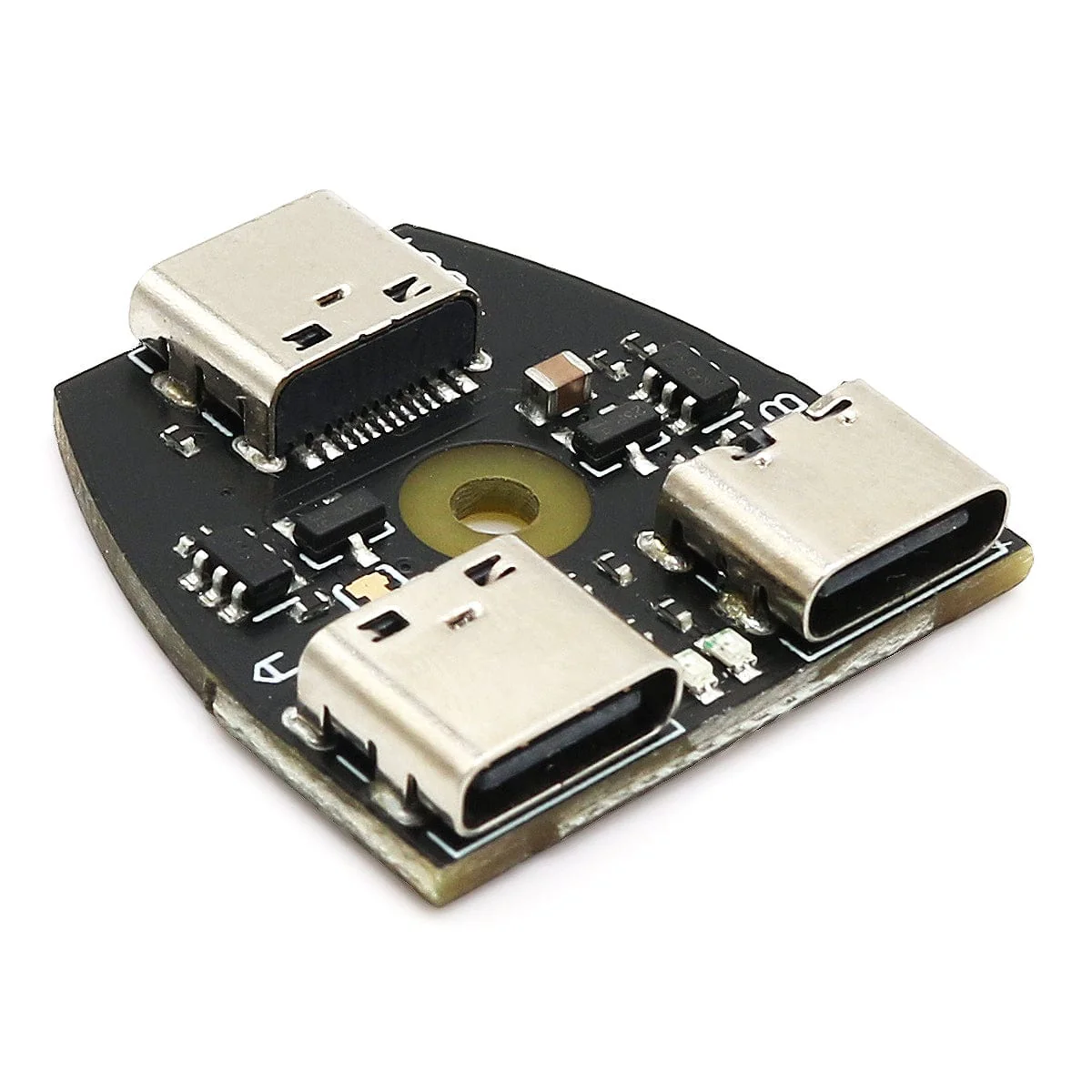
USB-C CDC Serial SH (with cable)
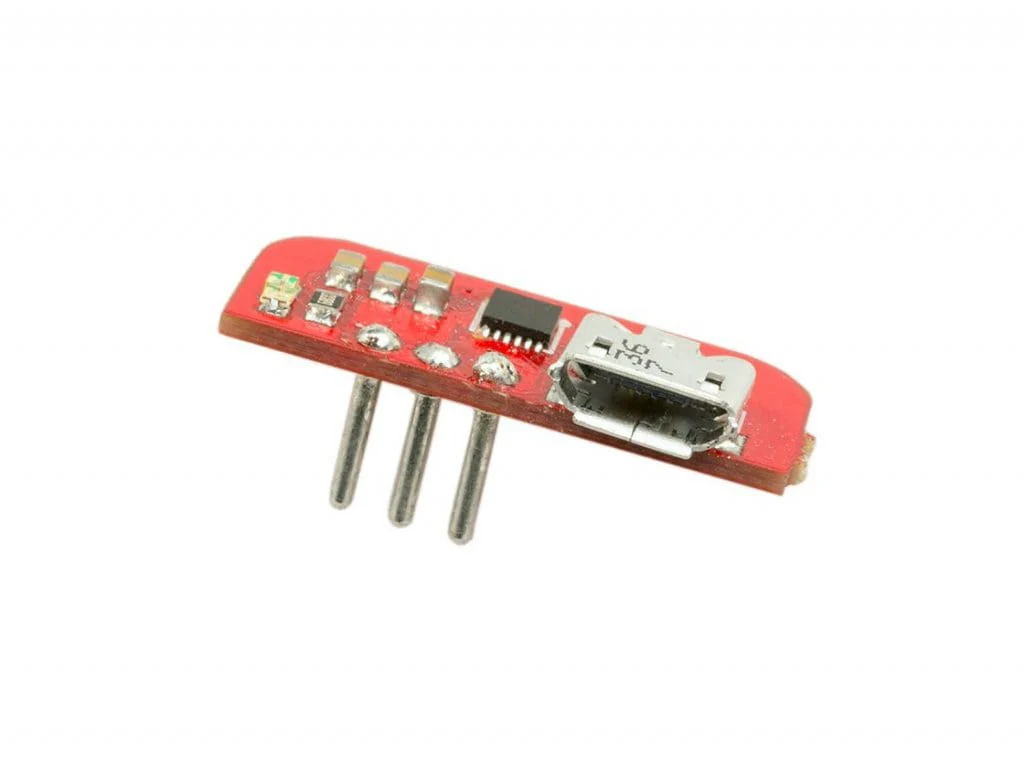
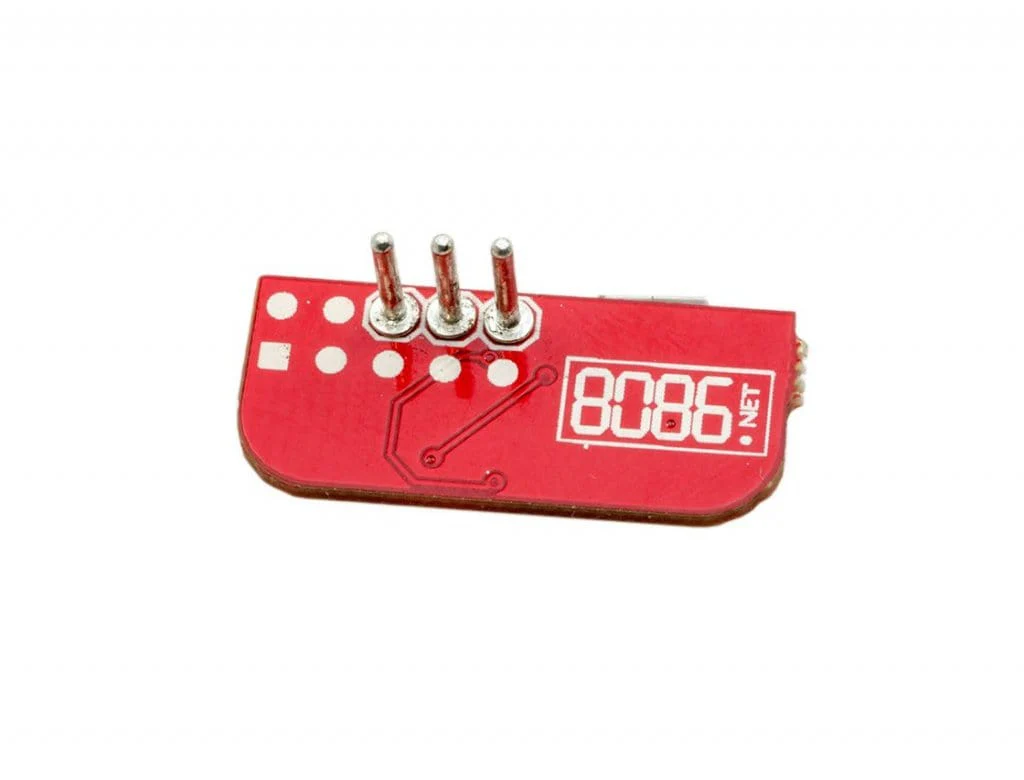
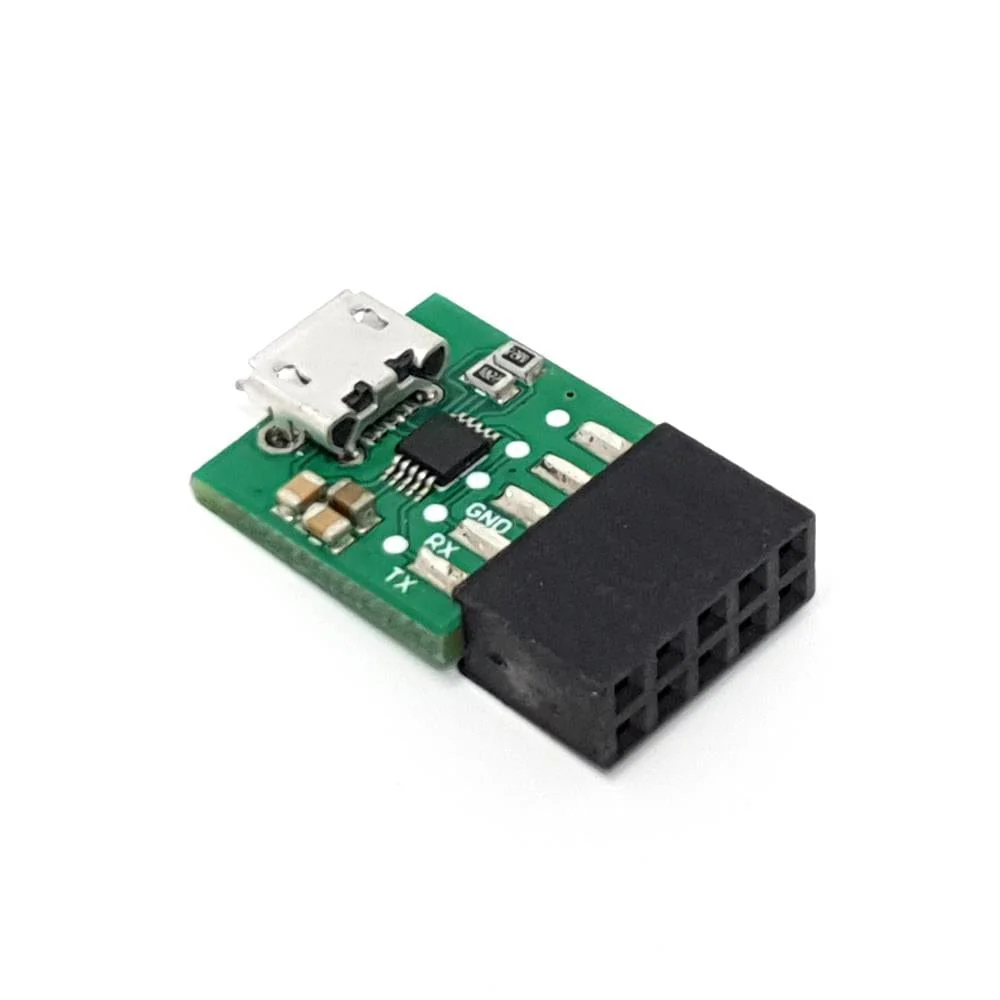
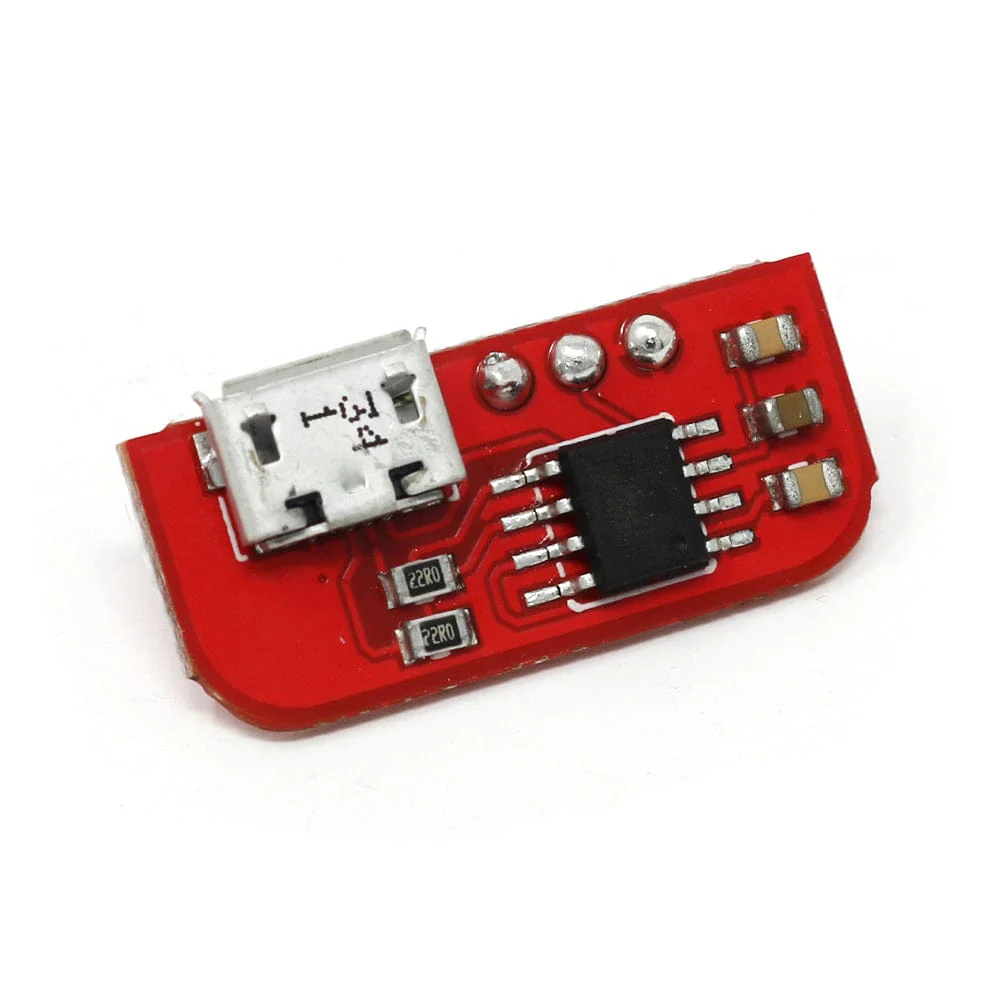
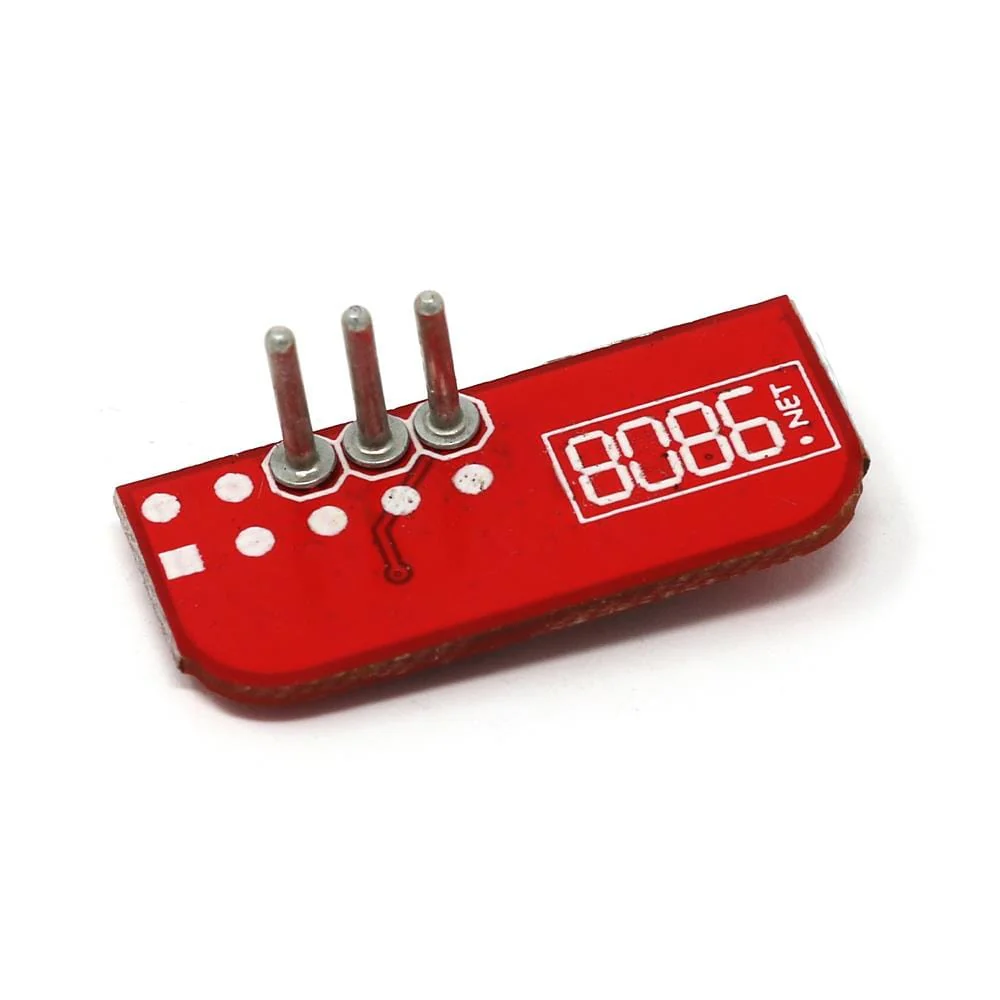
This USB-C CDC Serial Adaptor from 8086 plugs directly into the dedicated UART port on the Raspberry Pi 5 (using the supplied JST cable) providing quick serial console access via a USB-C cable (not included).
The adapter uses a 3-pin JST-SH connector and comes with a 10cm cable (compatible with 1mm pitch JST-SH) - we stock more sizes of JST-SH to JST-SH cable here. 3-pin cables for the Raspberry Pi Debug Probe can also be used.
The Serial console is enabled by default on Raspberry Pi OS (Bookworm) elsewhere it can normally be enabled by adding enable_uart=1 to the config.txt file in the boot partition. The IC is used in the adapter enumerates as a Communication Device Class (CDC) device which modern (Win10/Linux/Mac OS X) operating systems have built in drivers for.
When using with a Raspberry Pi 5 in an official case the cable can exit in the gap at the side of the Ethernet port.
This board can only be used with systems using 3.3V, connecting to those using higher/lower voltages may result in damage.
Pinout
| Pinout | Description |
| TX | Transmit (connect to remote RX) |
| GND | Ground |
| RX | Receive (connect to remote TX) |
Baud Rates
The following baud rates are supported:
| Baud rate | Miss rate (%) |
| 2400 | 0.16 |
| 4800 | 0.16 |
| 9600 | 0.04 |
| 19200 | 0.04 |
| 38400 | 0.16 |
| 57600 | 0.16 |
| 115200 | 0.16 |
| 230400 | 0.16 |
| 460800 | 0.79 |
| 1700000 | 0.84 |
| 2300000 | 0.62 |
| 3400000 | 0.84 |
Package Contents
- 1x USB-C CDC Serial SH board
- 1x 10cm JST-SH cable
Raspberry Pi 5 and case not included
More Images


USB-C CDC Serial SH (with cable)
This USB-C CDC Serial Adaptor from 8086 plugs directly into the dedicated UART port on the Raspberry Pi 5 (using the supplied JST cable) providing quick serial console access via a USB-C cable (not included).
The adapter uses a 3-pin JST-SH connector and comes with a 10cm cable (compatible with 1mm pitch JST-SH) - we stock more sizes of JST-SH to JST-SH cable here. 3-pin cables for the Raspberry Pi Debug Probe can also be used.
The Serial console is enabled by default on Raspberry Pi OS (Bookworm) elsewhere it can normally be enabled by adding enable_uart=1 to the config.txt file in the boot partition. The IC is used in the adapter enumerates as a Communication Device Class (CDC) device which modern (Win10/Linux/Mac OS X) operating systems have built in drivers for.
When using with a Raspberry Pi 5 in an official case the cable can exit in the gap at the side of the Ethernet port.
This board can only be used with systems using 3.3V, connecting to those using higher/lower voltages may result in damage.
Pinout
| Pinout | Description |
| TX | Transmit (connect to remote RX) |
| GND | Ground |
| RX | Receive (connect to remote TX) |
Baud Rates
The following baud rates are supported:
| Baud rate | Miss rate (%) |
| 2400 | 0.16 |
| 4800 | 0.16 |
| 9600 | 0.04 |
| 19200 | 0.04 |
| 38400 | 0.16 |
| 57600 | 0.16 |
| 115200 | 0.16 |
| 230400 | 0.16 |
| 460800 | 0.79 |
| 1700000 | 0.84 |
| 2300000 | 0.62 |
| 3400000 | 0.84 |
Package Contents
- 1x USB-C CDC Serial SH board
- 1x 10cm JST-SH cable
Raspberry Pi 5 and case not included
Product Information
Product Information
Shipping & Returns
Shipping & Returns
Description
This USB-C CDC Serial Adaptor from 8086 plugs directly into the dedicated UART port on the Raspberry Pi 5 (using the supplied JST cable) providing quick serial console access via a USB-C cable (not included).
The adapter uses a 3-pin JST-SH connector and comes with a 10cm cable (compatible with 1mm pitch JST-SH) - we stock more sizes of JST-SH to JST-SH cable here. 3-pin cables for the Raspberry Pi Debug Probe can also be used.
The Serial console is enabled by default on Raspberry Pi OS (Bookworm) elsewhere it can normally be enabled by adding enable_uart=1 to the config.txt file in the boot partition. The IC is used in the adapter enumerates as a Communication Device Class (CDC) device which modern (Win10/Linux/Mac OS X) operating systems have built in drivers for.
When using with a Raspberry Pi 5 in an official case the cable can exit in the gap at the side of the Ethernet port.
This board can only be used with systems using 3.3V, connecting to those using higher/lower voltages may result in damage.
Pinout
| Pinout | Description |
| TX | Transmit (connect to remote RX) |
| GND | Ground |
| RX | Receive (connect to remote TX) |
Baud Rates
The following baud rates are supported:
| Baud rate | Miss rate (%) |
| 2400 | 0.16 |
| 4800 | 0.16 |
| 9600 | 0.04 |
| 19200 | 0.04 |
| 38400 | 0.16 |
| 57600 | 0.16 |
| 115200 | 0.16 |
| 230400 | 0.16 |
| 460800 | 0.79 |
| 1700000 | 0.84 |
| 2300000 | 0.62 |
| 3400000 | 0.84 |
Package Contents
- 1x USB-C CDC Serial SH board
- 1x 10cm JST-SH cable
Raspberry Pi 5 and case not included