Adafruit USB Type C Breakout Board - Downstream Connection
Throw out all those Mini and Micro B USB cables you have in a plastic bin - the next generation of USB connectors is here with USB C! You will start to see these connectors pop up on all sorts of devices, as the industry moves from micro B or lightening to the new standard. Well, at least until the next standard comes out
USB C features a symmetric/reversible connector, more data pins and higher current output capability. But, for most developers, the pin usage you know and love from older USBs will work just fine. This breakout gives you all the basics you need and a resistor configuration that mimics classic USB 2.0 for a downstream connection
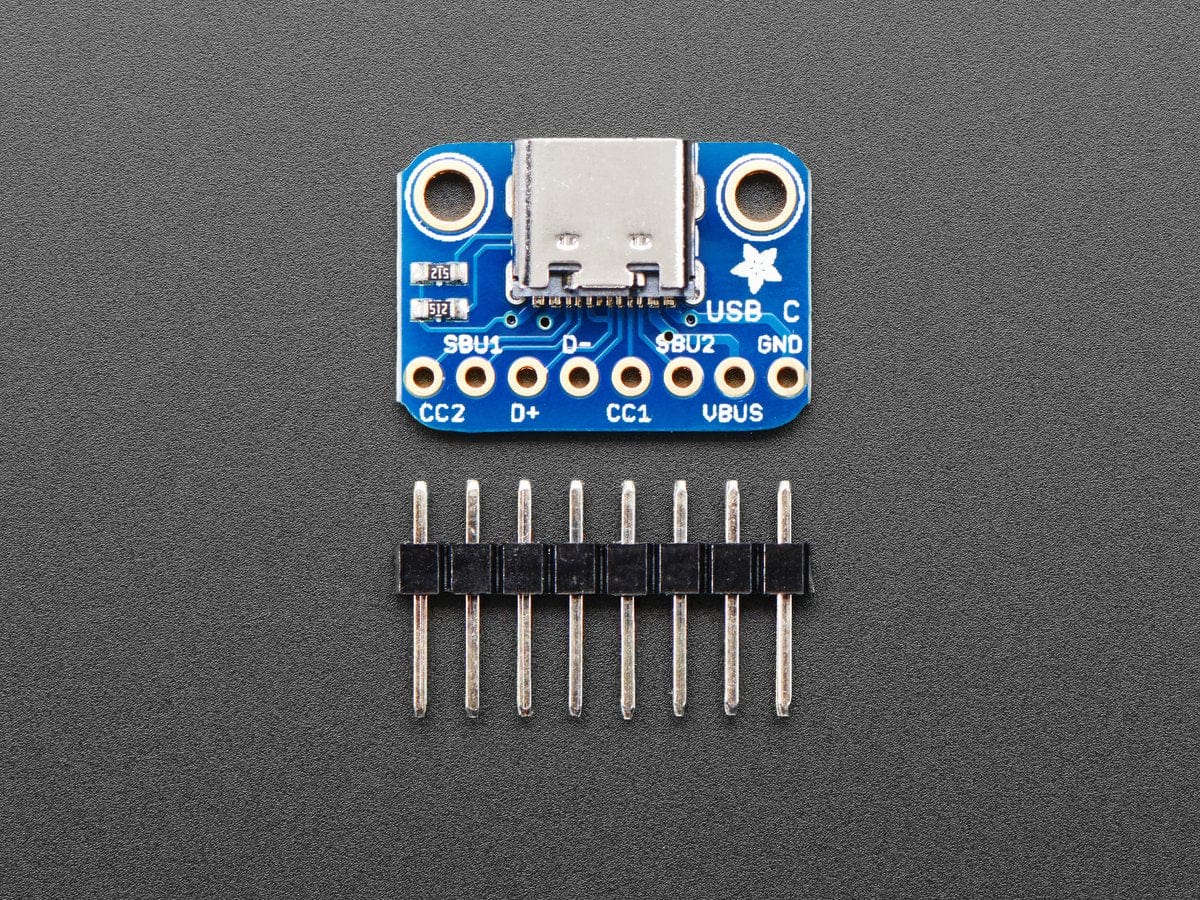
The two 5.1K resistors on the CC1 pins indicate to the upstream port to provide 5V and up to 1.5A (whether the upstream can supply that much current depends on what you're connecting to.
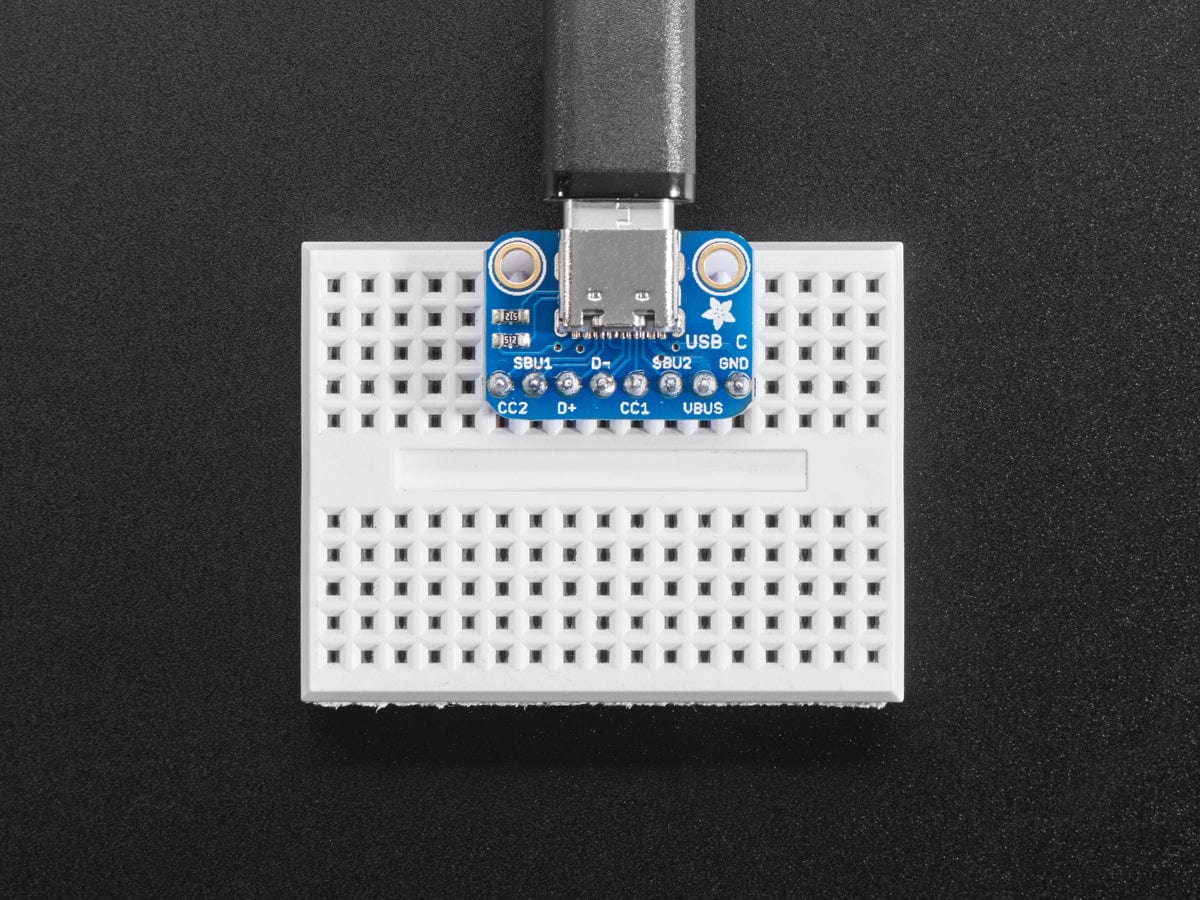
For most usages, you can just connect VBUS to your 5V input, GND to ground, and D+ and D- as you expect. You can monitor the CC and SBU pins to determine cable polarity or send side-band data. Or leave them disconnected
For more details, we like this Introduction to USB C app note
Specifications
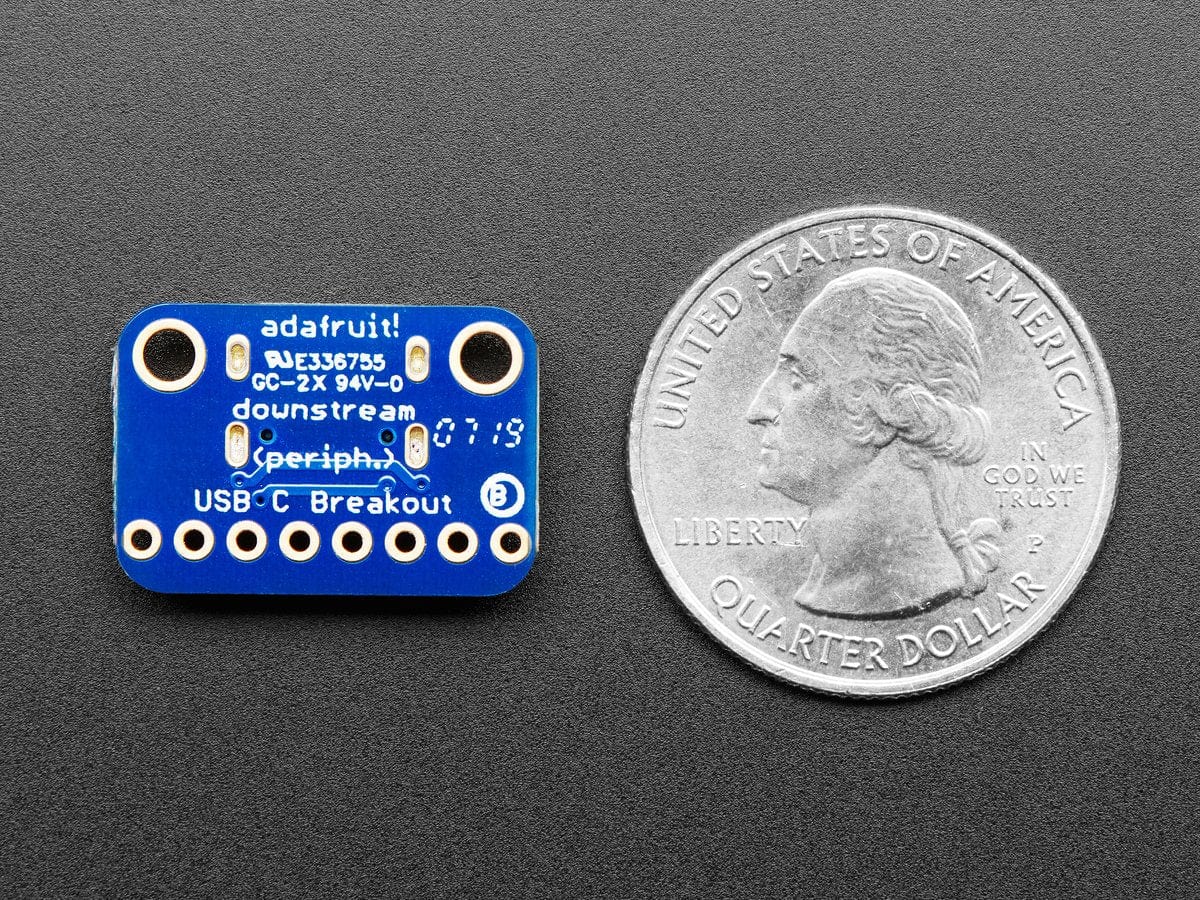
- Dimensions: 20.4mm x 14.2mm x 5.0mm
- Weight: 1.3g
Original: $2.90
-65%$2.90
$1.01More Images
Adafruit USB Type C Breakout Board - Downstream Connection
Throw out all those Mini and Micro B USB cables you have in a plastic bin - the next generation of USB connectors is here with USB C! You will start to see these connectors pop up on all sorts of devices, as the industry moves from micro B or lightening to the new standard. Well, at least until the next standard comes out
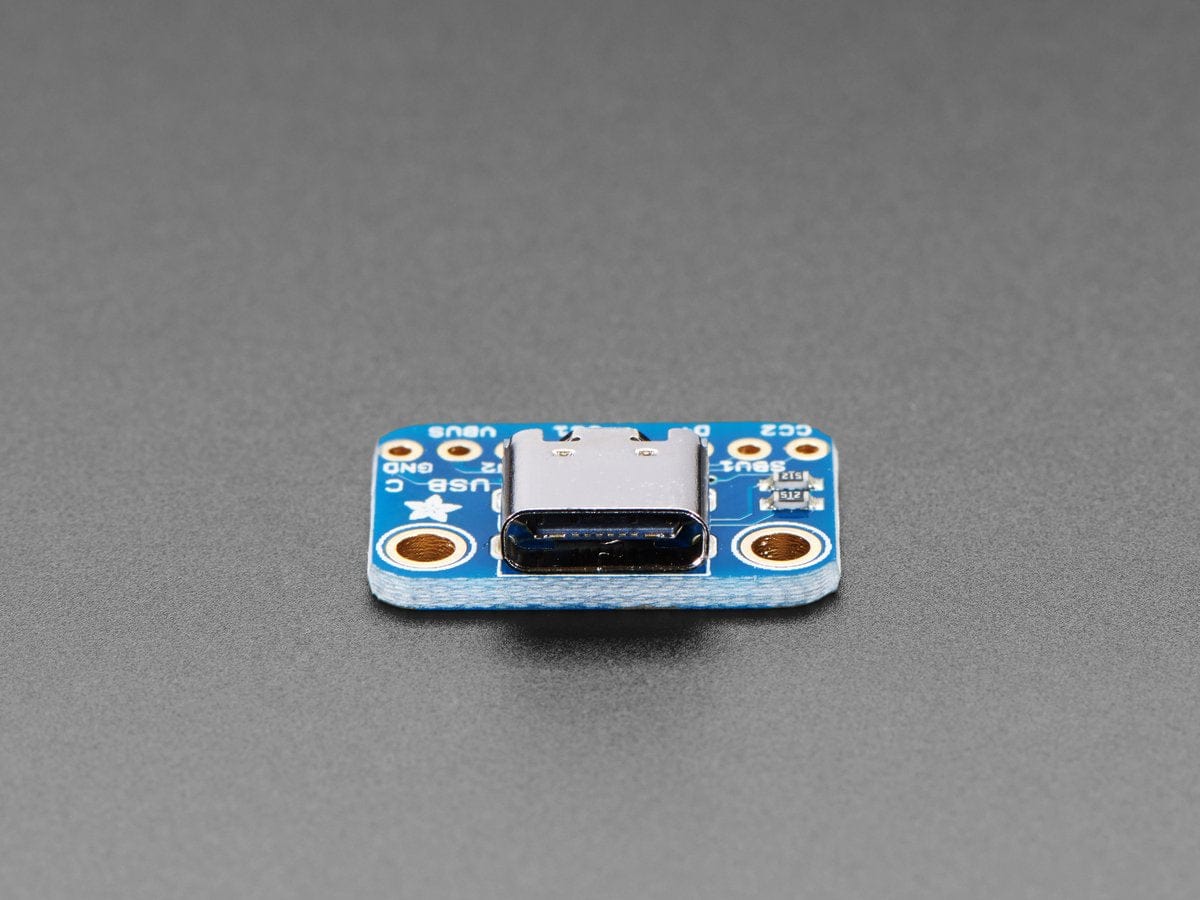
USB C features a symmetric/reversible connector, more data pins and higher current output capability. But, for most developers, the pin usage you know and love from older USBs will work just fine. This breakout gives you all the basics you need and a resistor configuration that mimics classic USB 2.0 for a downstream connection
The two 5.1K resistors on the CC1 pins indicate to the upstream port to provide 5V and up to 1.5A (whether the upstream can supply that much current depends on what you're connecting to.
For most usages, you can just connect VBUS to your 5V input, GND to ground, and D+ and D- as you expect. You can monitor the CC and SBU pins to determine cable polarity or send side-band data. Or leave them disconnected
For more details, we like this Introduction to USB C app note
Specifications
- Dimensions: 20.4mm x 14.2mm x 5.0mm
- Weight: 1.3g
Product Information
Product Information
Shipping & Returns
Shipping & Returns
Description
Throw out all those Mini and Micro B USB cables you have in a plastic bin - the next generation of USB connectors is here with USB C! You will start to see these connectors pop up on all sorts of devices, as the industry moves from micro B or lightening to the new standard. Well, at least until the next standard comes out
USB C features a symmetric/reversible connector, more data pins and higher current output capability. But, for most developers, the pin usage you know and love from older USBs will work just fine. This breakout gives you all the basics you need and a resistor configuration that mimics classic USB 2.0 for a downstream connection
The two 5.1K resistors on the CC1 pins indicate to the upstream port to provide 5V and up to 1.5A (whether the upstream can supply that much current depends on what you're connecting to.
For most usages, you can just connect VBUS to your 5V input, GND to ground, and D+ and D- as you expect. You can monitor the CC and SBU pins to determine cable polarity or send side-band data. Or leave them disconnected
For more details, we like this Introduction to USB C app note
Specifications
- Dimensions: 20.4mm x 14.2mm x 5.0mm
- Weight: 1.3g